
Live church translation integrations
Works with the booth you already run
ChurchTranslator doesn't replace your production stack — it plugs into it. Captions into your presentation software, audio in from whatever you stream with, and physical buttons for the booth. And for your listeners, an iPhone app and Meta glasses.
ProPresenter
Live translated captions as a native Web fill
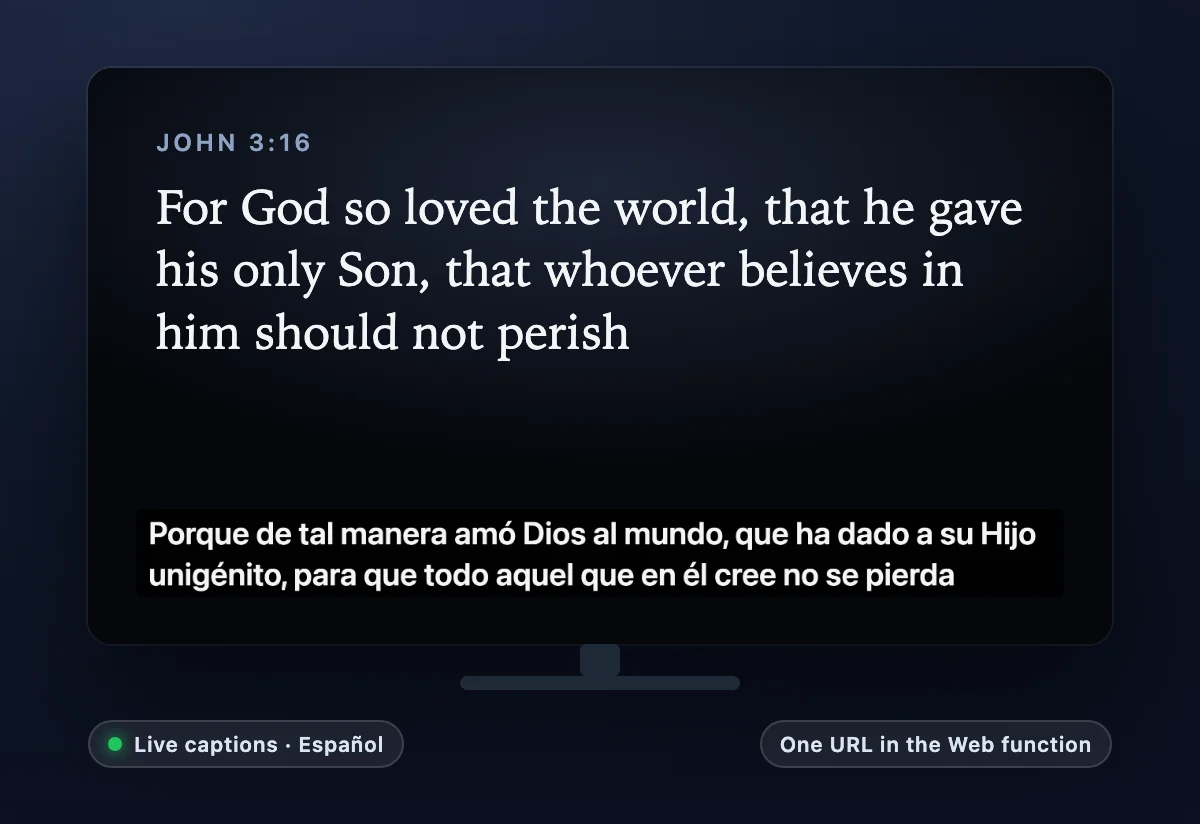
Paste one URL into ProPresenter's Web function and live captions render inside your existing slide look — lower thirds, stage displays, side screens. The caption feed is built for projection: it shows text as it's being spoken (not only finished sentences), and the dashboard's format editor saves named presets so the URL never changes while you tune the look live.
OBS, vMix & livestreams
Captions over your stream; audio in over RTMP
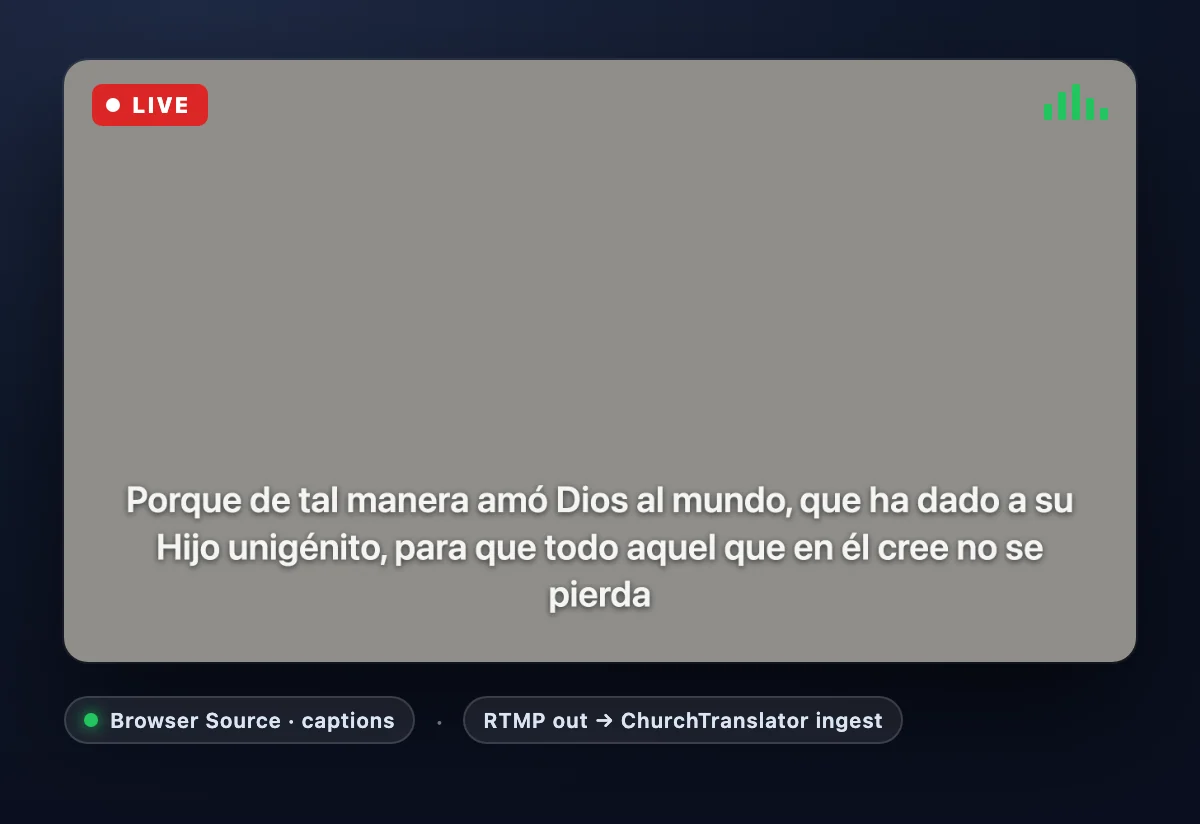
Both directions. Captions out: add the caption page as a Browser Source and it sits over your livestream as a transparent lower-third, in any enabled language. Audio in: if your service already flows through OBS, vMix, or a hardware encoder, point a second output at our RTMP ingest — your stream key is your capture credential — and translation runs from the same feed, no extra computer in the booth.
Zoom & Google Meet
Live translation for online meetings and hybrid services
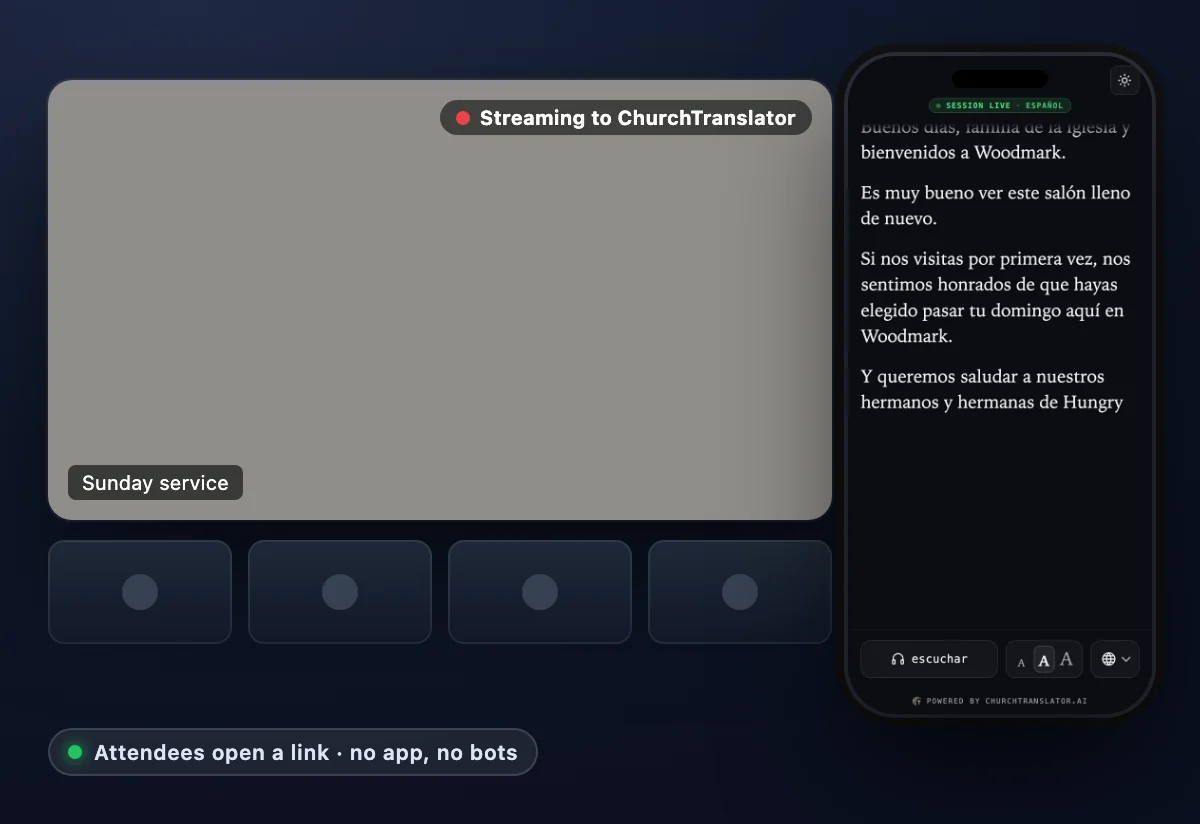
Zoom: the meeting's built-in live streaming can point at our RTMP ingest (paid Zoom plans): your meeting audio streams to ChurchTranslator and attendees open the listener link to hear or read the service in their language. An in-meeting Zoom app is in beta while Zoom reviews it. Zoom guide →
Google Meet: a small capture window on the host's computer hears the Meet tab and the host's microphone; everyone listens on your link in their language. An in-meeting Meet add-on is in Google's review. Meet guide →
Elgato Stream Deck
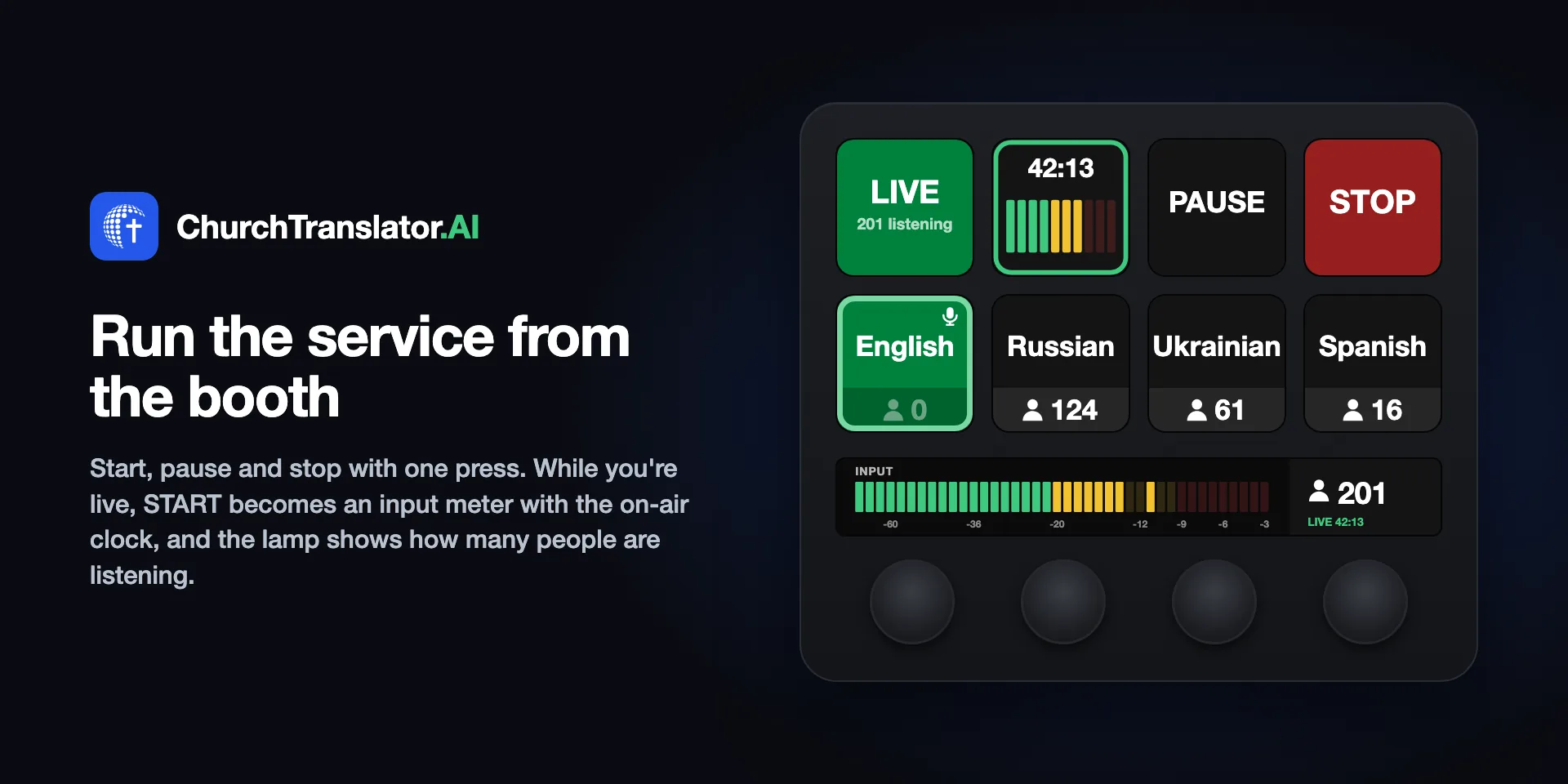
Start, pause, and stop from a physical button
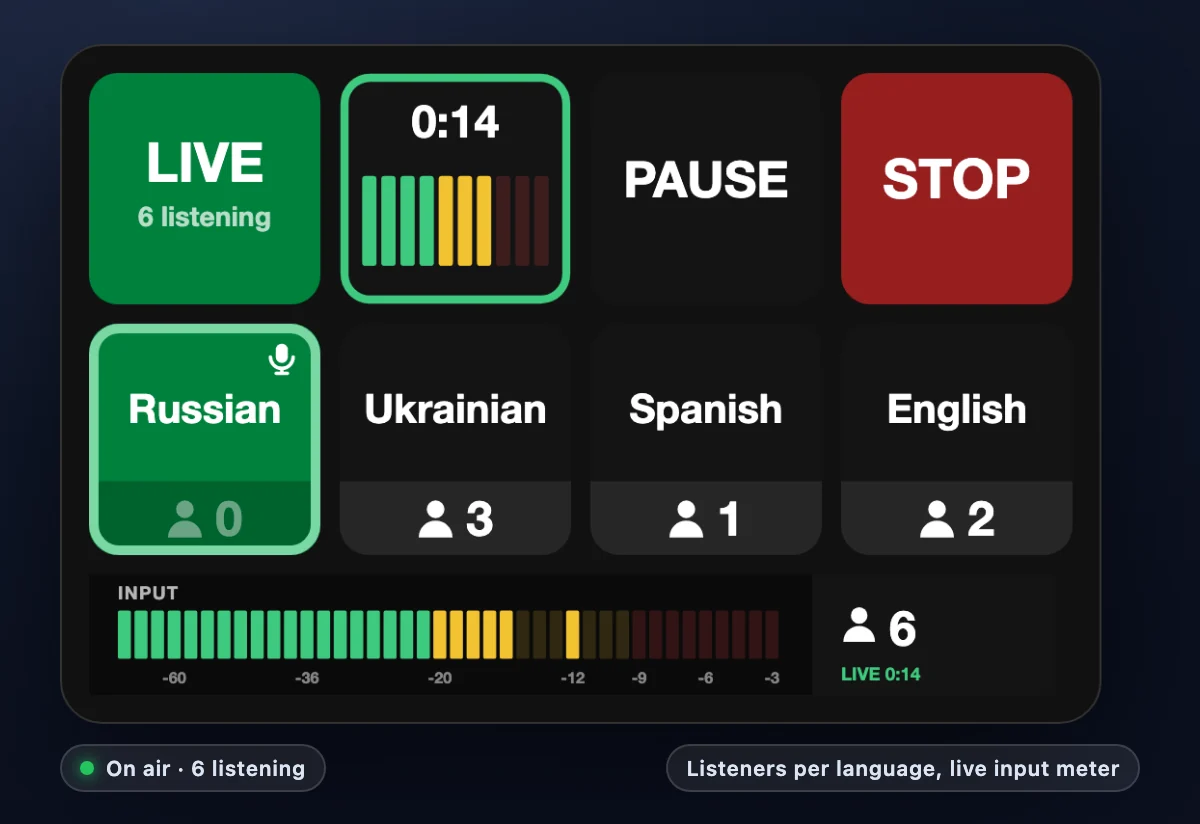
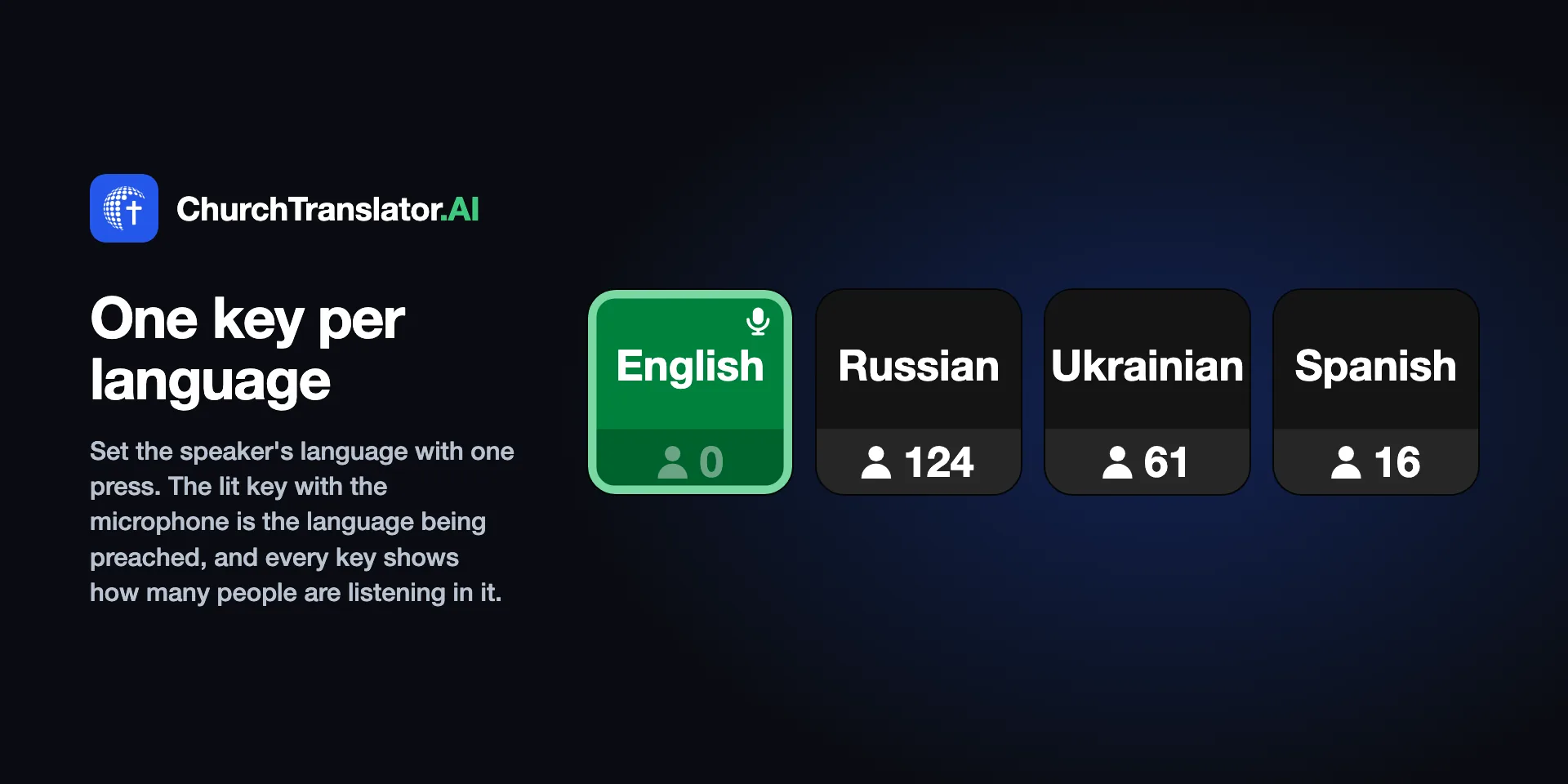
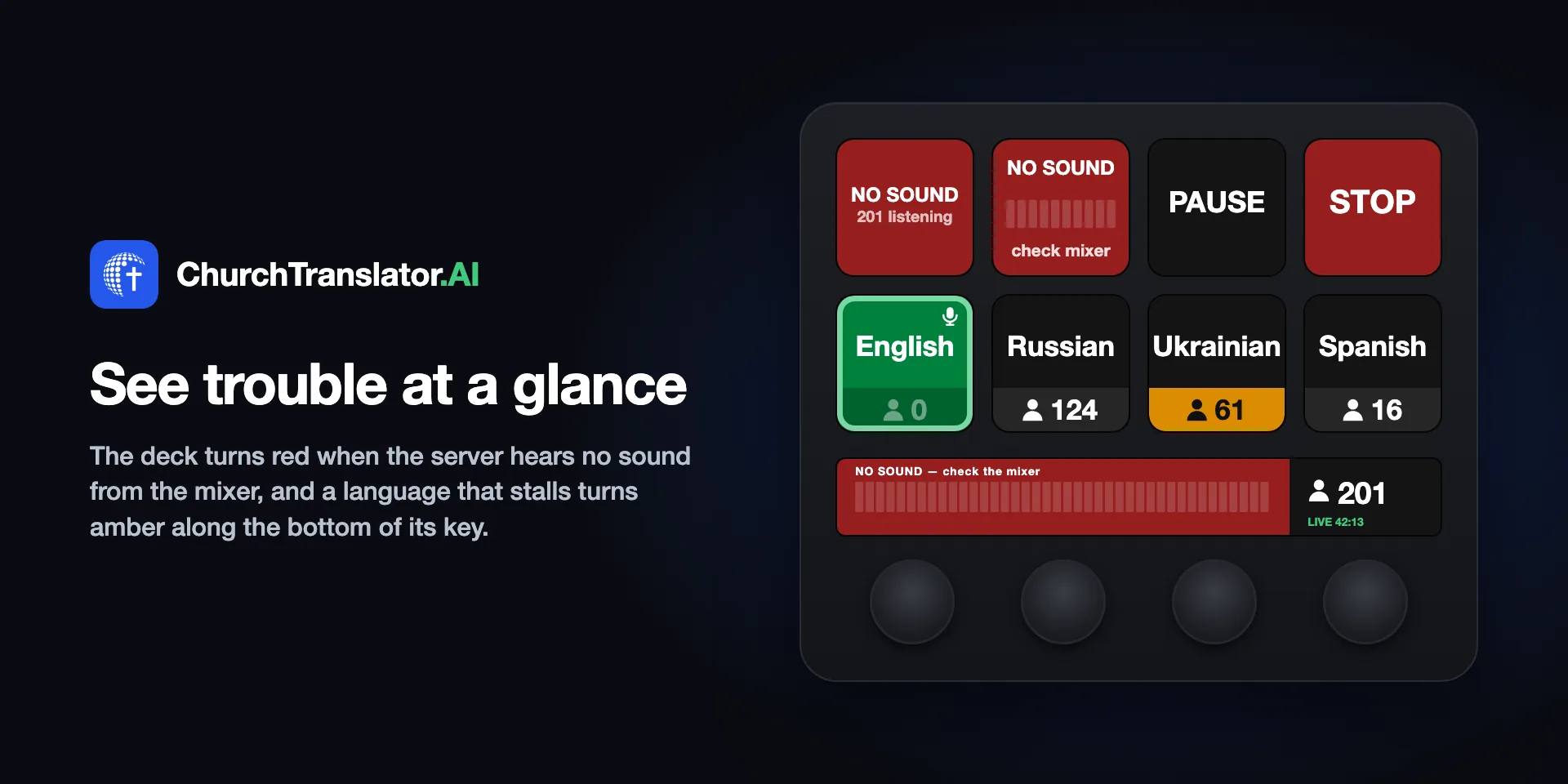
Run the deck through Bitfocus Companion (free): the dashboard's Devices page builds a Companion config pre-configured for your church — Start (which can wake an idle capture app remotely), Pause/Resume, Stop, a status lamp, and a key for each of your languages. Import it once and the booth volunteer never needs to touch the computer.
Bitfocus Companion
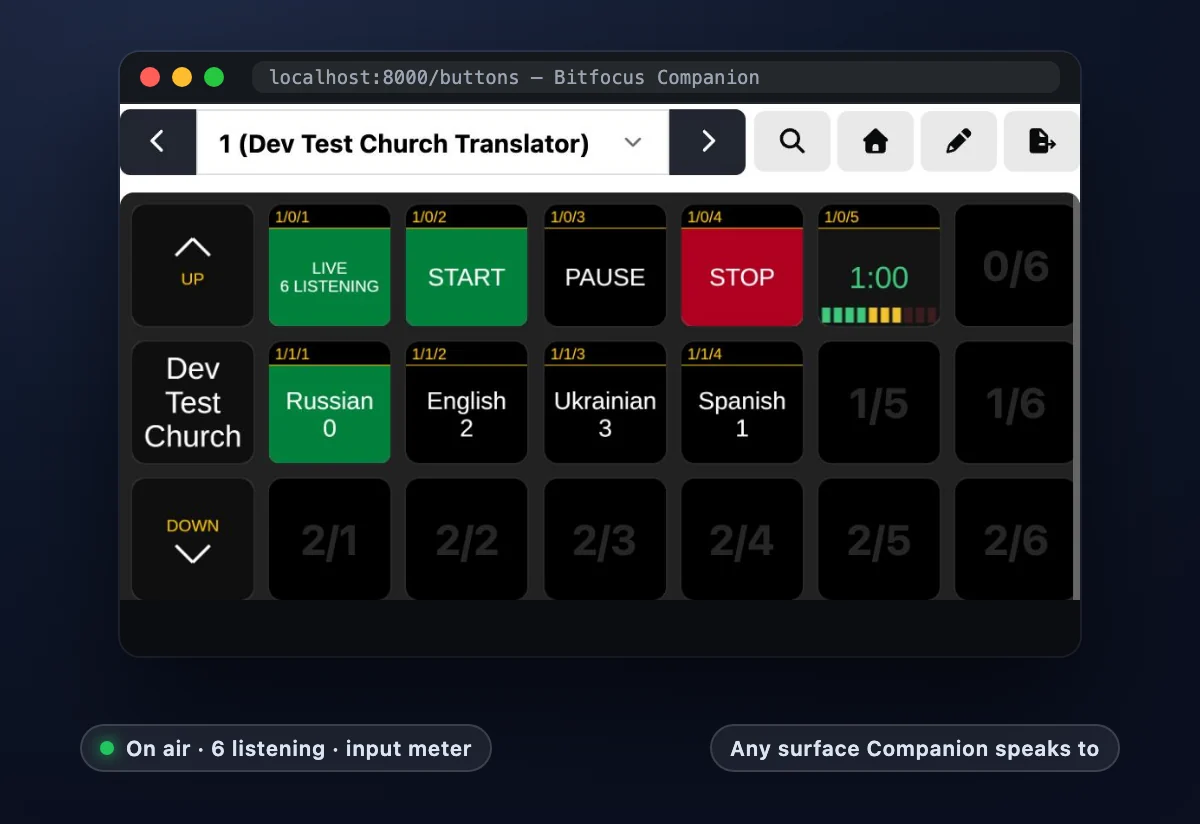
The same booth control on any hardware Companion speaks to
Our Companion module drives the same controls — Start, Pause, Stop, status — from whatever surface your booth already uses, from a spare Stream Deck to a full production controller. Prefer to wire it yourself? Every button is one plain HTTP request, and the Devices page lists them.
Capture apps & phone-as-mic
Five ways to get audio in
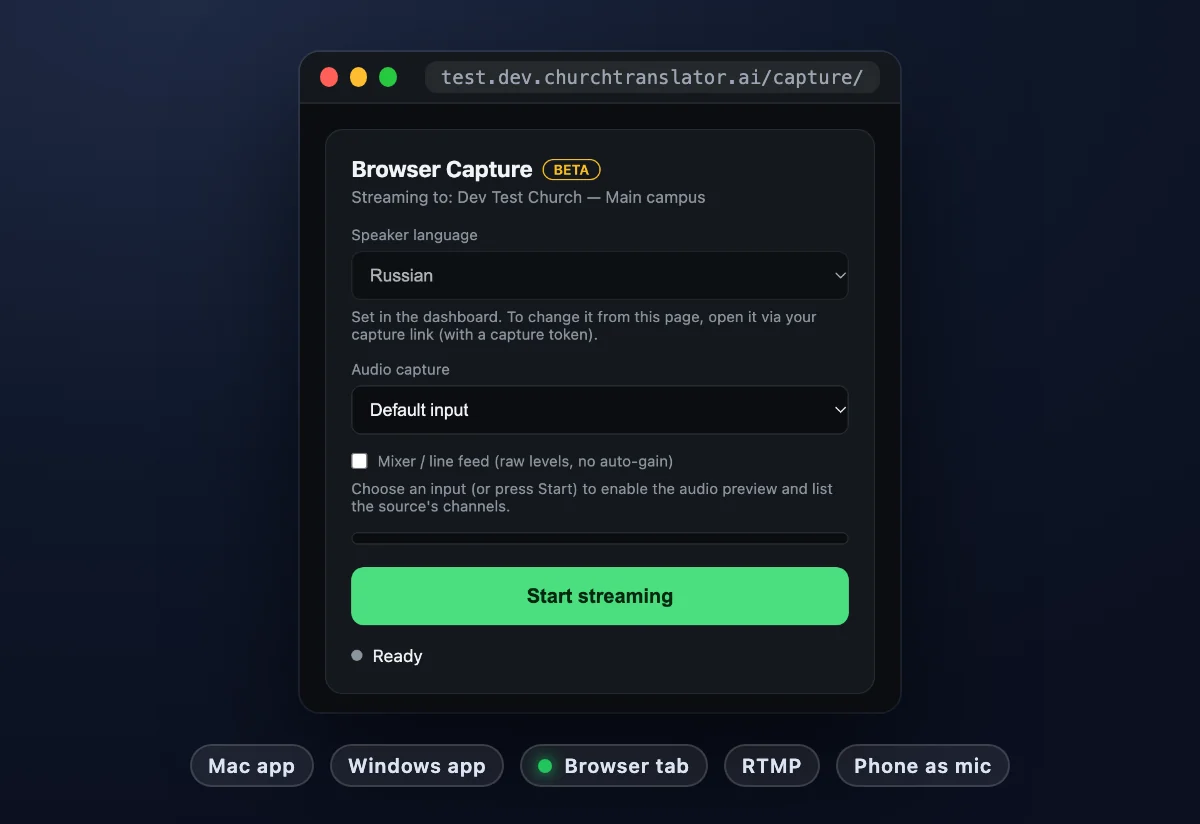
The Mac capture app (signed, auto-updating) and the Windows app (beta) capture from any audio interface. No install allowed on the booth machine? Capture straight from a browser tab. Small room, no booth at all? Use a phone as the microphone — the dashboard gives you a link that turns any phone into the capture device.
iPhone app
Your church one tap away, free on the App Store
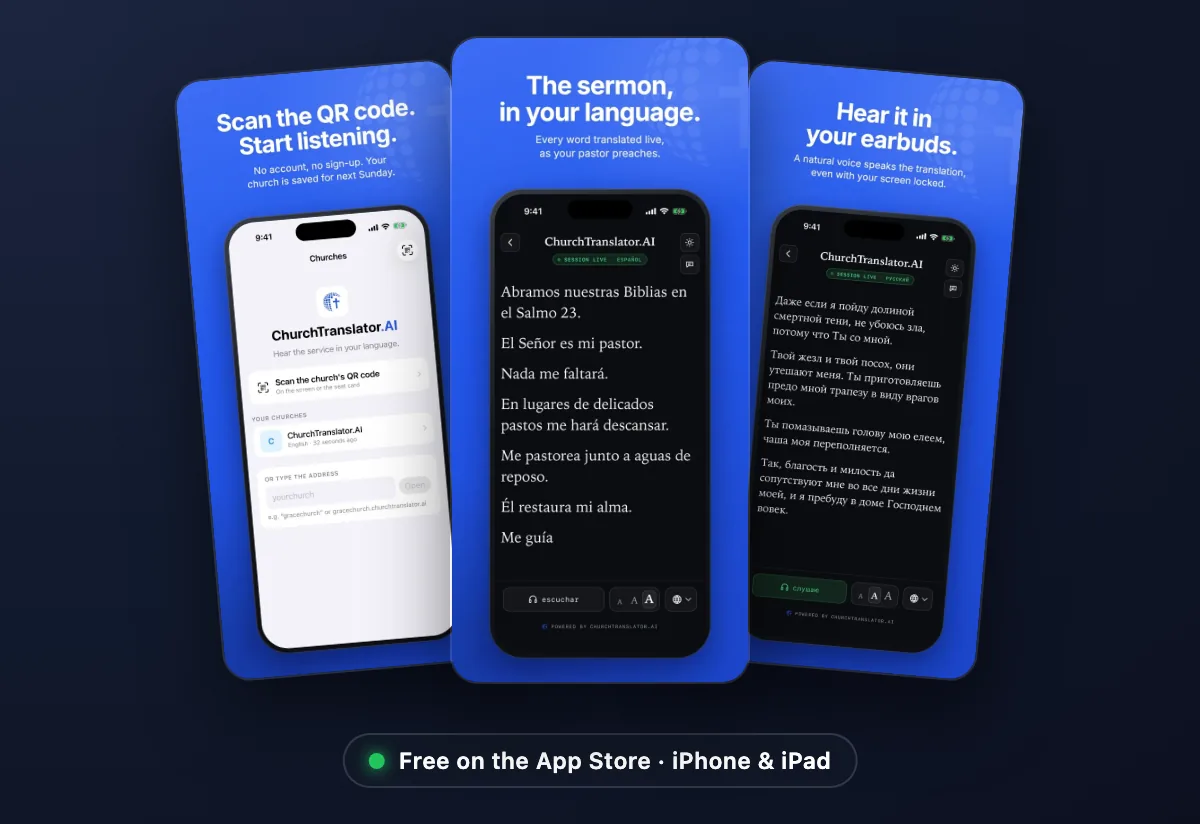
Listening never needs an app: your QR code opens in any phone's browser. For people who come every week, the free ChurchTranslator.AI app for iPhone and iPad scans your QR code, remembers their church and language, opens the captions full screen, and offers to use Meta glasses when they're connected.
For your team: ChurchTranslator Capture, the church's own iPhone app, makes the phone the microphone, a remote for the booth, and your dashboard in your pocket. It's coming to the App Store. About the apps →
Meta glasses
Hear it in any pair; read it in the Display lens
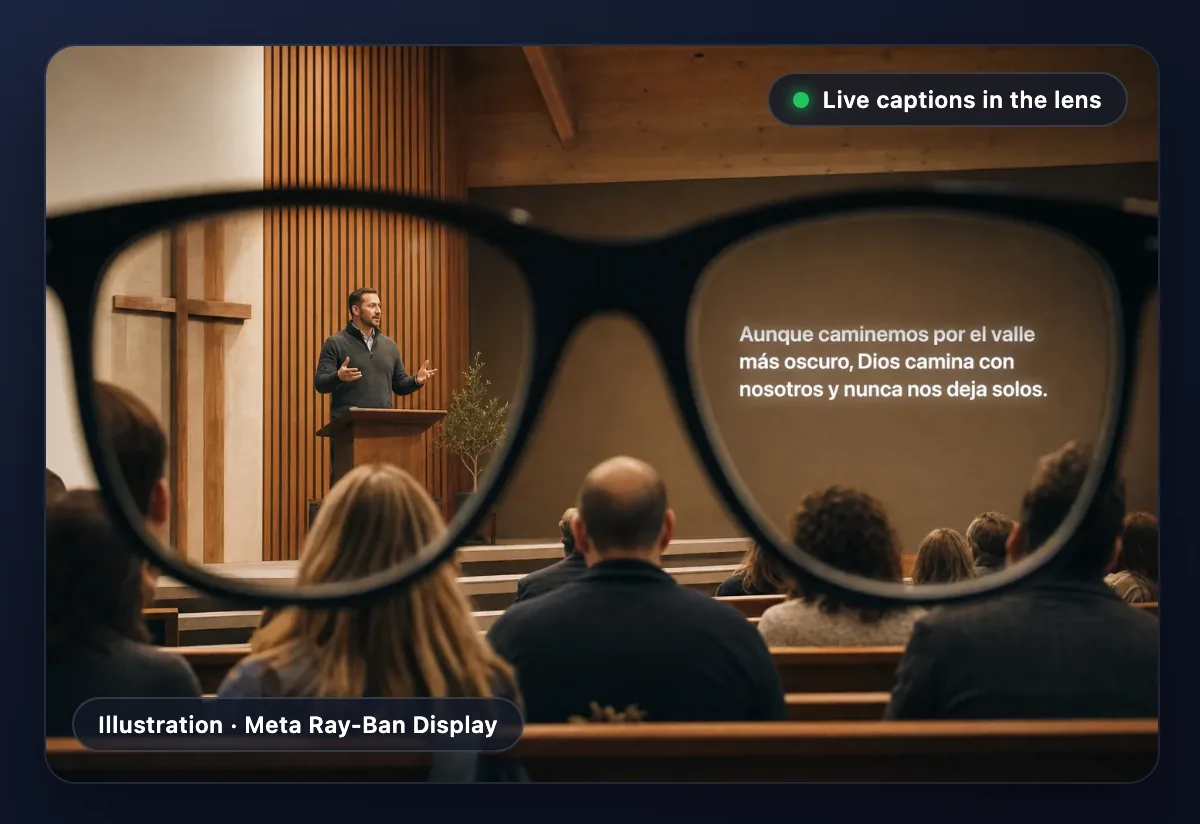
Ray-Ban Meta, Oakley Meta and other Meta glasses connect to the phone like Bluetooth headphones, so the translation plays in their open-ear speakers. With Meta Ray-Ban Display, listeners add live captions to the lens from your listener page (tap Wearing Meta glasses?, then Add captions to my glasses) and pinch to choose the language, text size and position. Nothing for your church to set up. Meta glasses guide →
Running something we didn't list? If it can send audio, it can probably feed ChurchTranslator — ask us.